Pulling a table into Excel or Google Sheets for pivoting
Pulling a table into Excel or Google Sheets for pivoting
Turn the first Markdown table into a CSV for your spreadsheet.
Max 10MB
Conversion in your browser · Free · No sign-up
By using this tool, you agree to the Privacy Policy and Disclaimer.
See the workspace
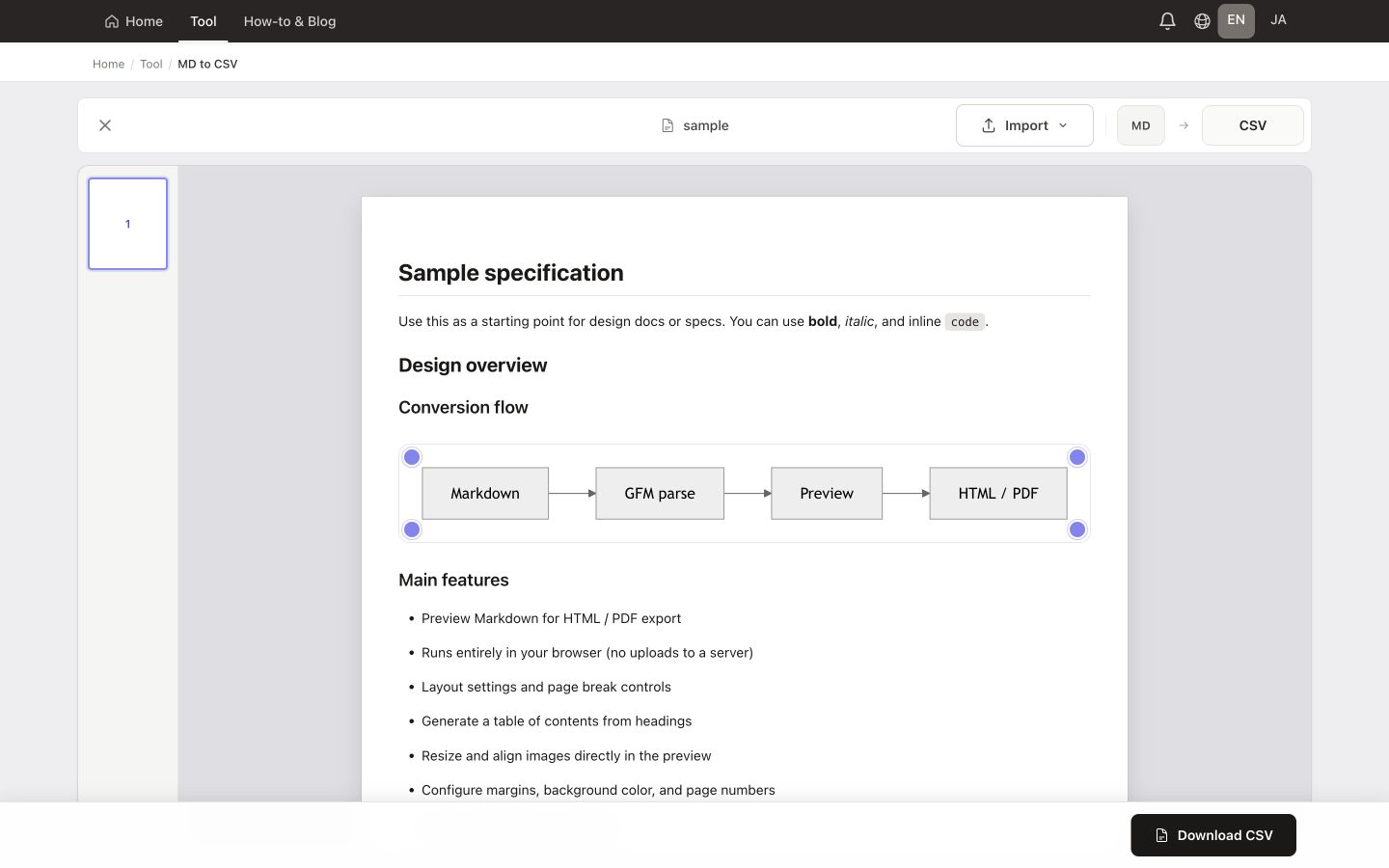
See the real workspace with sample Markdown loaded, then follow the path from import to download.
Features
Turn the first Markdown table into a CSV for your spreadsheet.
Pulling a table into Excel or Google Sheets for pivoting
Feeding CSV-friendly tools, scripts, or databases
Passing tabular snippets between apps without manual copy-paste
Extracting survey or pricing grids from longer Markdown specs
Quick handoff to BI tools that import CSV
Archiving structured rows alongside narrative Markdown
MADE FOR YOUR WORK
Take a comparison table, task list written as a table, or inventory from Markdown into Excel or another spreadsheet. Export the cell values without manually copying each row.
Only the first pipe table is exported. CSV contains cell data, not Markdown formatting or surrounding paragraphs. The file uses UTF-8 with a BOM; check dates and identifiers when importing into a spreadsheet.
Need the whole document? Convert to HTMLTips & use cases
Add a pipe table to your Markdown, verify cells in the preview, then download the first table as CSV—no upload required.
Free · Runs in your browser · Your file stays on your device