Cover templates & custom covers
Choose built-in styles (minutes, memo, proposal, report, and more) or write your own cover in Markdown. Set title, date, organization, accent color, and alignment—then export with the cover prepended to your document.
Add a cover, contents, and page breaks. Save a PDF ready to share.
Max 10MB
Conversion in your browser · Free · No sign-up
By using this tool, you agree to the Privacy Policy and Disclaimer.
DOCUMENT PRESETS
Apply a cover, TOC, margins, and page numbering together. Then load your Markdown file above.
See the workspace
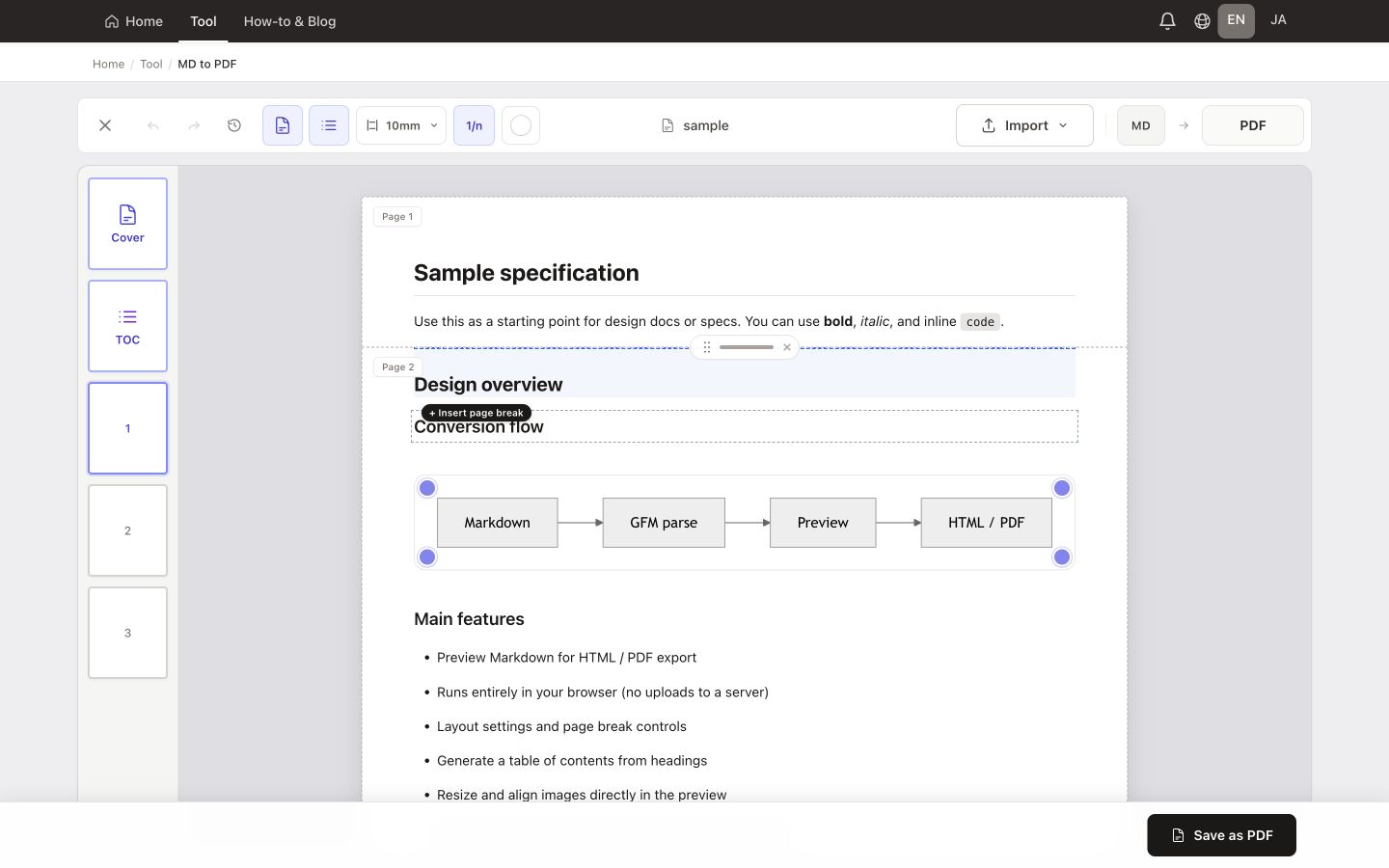
See the real workspace with sample Markdown loaded, then follow the path from import to download.
Features
A browser-based tool for specs, meeting minutes, proposals, and handouts. Load a .md file or paste Markdown, add a cover and optional TOC, adjust page breaks in preview, then save as PDF. Preview and conversion run locally—your document is not uploaded to our servers for processing.
Choose built-in styles (minutes, memo, proposal, report, and more) or write your own cover in Markdown. Set title, date, organization, accent color, and alignment—then export with the cover prepended to your document.
With a cover enabled, turn on TOC to auto-build a contents page from your headings. It is inserted when you export to PDF (not shown in the body preview).
On a print-sized preview, click a block to insert a break or drag the handle to move it—so chapters break where you intend, not where the browser guesses. Per-page overflow warnings flag pages that still need tuning.
Unlike a generic “print to PDF”, you see paginated pages before export. Use the page strip to jump between pages, switch Preview or Split mode, then Save PDF and choose “Save as PDF” in the dialog.
Tables, fenced code with highlighting, task lists, and Mermaid flowcharts render in the preview that feeds your PDF. Write familiar GitHub Flavored Markdown and check the result before you save.
Choose a .md file or paste Markdown to import it. Preview and PDF export stay on your device—your document is not uploaded to our servers for conversion.
MADE FOR YOUR WORK
Prepare a proposal with a cover and contents, a paginated specification, or meeting notes ready to distribute. Adjust page breaks in the preview to keep headings and their content together.
PDF saving opens your browser’s print dialog. Choose Save as PDF and check paper size, margins, and background graphics before saving. Use Word output when the recipient needs to edit the document.
Need an editable document? Convert to WordPage breaks
On a print-sized preview, click a block to insert a break or drag the handle to move it. Sections start on the page you choose—not where the browser guesses.
Per-page overflow warnings show which pages still need tuning before you export, so headings and tables are less likely to split awkwardly.
Combine with paper size, margins, and orientation so meeting minutes, specs, and handouts look intentional in the final PDF.
Covers
Choose built-in styles for minutes, memos, proposals, reports, and more—or write your own cover in Markdown when you need full control.
Set title, date, organization, accent color, and alignment in the cover editor, then export with the cover prepended before the body.
Pair with an optional table of contents from headings for proposals and manuals that read like finished documents, not a quick printout.
Open the Markdown to PDF converter—add a cover, tune page breaks in print preview, then save from your browser. No upload required.
Free · Runs in your browser · Your file stays on your device