Drafts for reviewers who comment and track changes in Word
Drafts for reviewers who comment and track changes in Word
Turn headings, tables, and lists into an editable Word document.
Max 10MB
Conversion in your browser · Free · No sign-up
By using this tool, you agree to the Privacy Policy and Disclaimer.
See the workspace
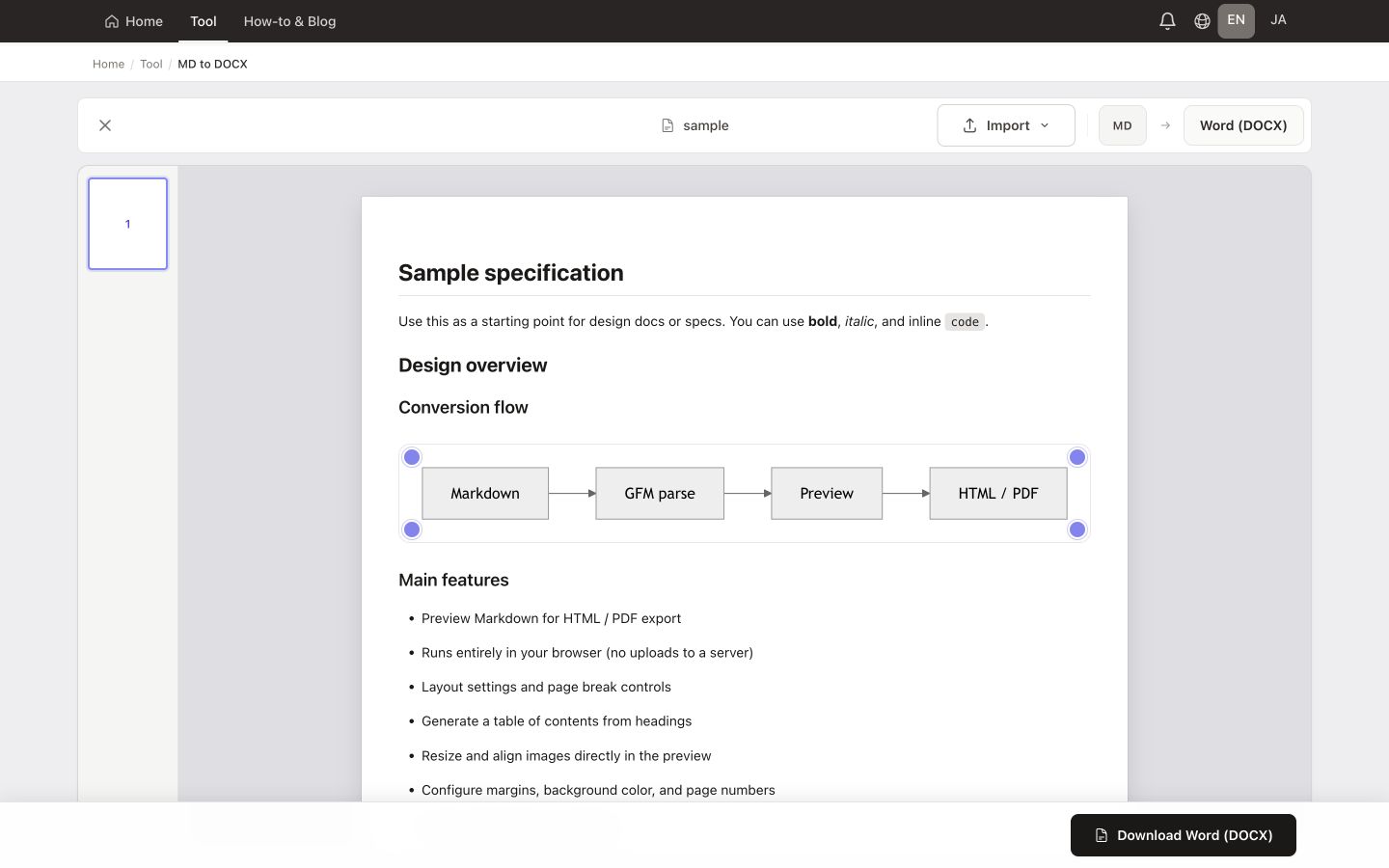
See the real workspace with sample Markdown loaded, then follow the path from import to download.
Features
Turn headings, tables, and lists into an editable Word document.
Drafts for reviewers who comment and track changes in Word
Content before pasting into branded templates or proposal shells
Sharing when collaborative editing matters more than pixel-perfect print
Handoffs to legal or compliance teams that standardize on .docx
Email attachments that recipients expect to open in Office
Mixed teams where not everyone edits Markdown daily
MADE FOR YOUR WORK
Hand off a specification, report, or proposal as a DOCX. Use Word headings, lists, and tables so reviewers can continue editing. Add a table of contents and page numbers when needed.
Check the downloaded document in Word: fonts and pagination can differ from the browser preview. Remote images must be accessible to the converter. Use PDF when you want to share a fixed page layout.
Need a fixed layout? Convert to PDFTips & use cases
Write or open a .md file, confirm structure in the preview, then save as .docx—no upload required.
Free · Runs in your browser · Your file stays on your device